Catchbox Clip and Stick: Wireless microphones for classrooms and lecture halls
Which microphone is best for university classrooms?
Published: September 11, 2026
For most university classrooms, Catchbox Clip is the best choice for lecturers who want to teach hands-free, while Catchbox Stick is better when a handheld microphone feels more natural or needs to move between speakers. Both are wireless presenter microphones within the Catchbox Plus system and can support in-room voice amplification, hybrid learning, lecture capture, live captioning, and assistive listening.
The choice does not have to be permanent. Catchbox Stick uses the Clip microphone as its core: release the Clip from the Stick body and it becomes a wearable microphone. This gives higher education AV teams two microphone formats in one flexible setup.
Why university classrooms need close-proximity microphones
A lecturer may sound loud enough to students sitting nearby, but that does not mean their voice is being captured clearly by the room's technology. Distance, room acoustics, background noise, and movement can all reduce intelligibility for students at the back of a lecture hall, remote participants, recordings, and automated captions.
Fixed lectern microphones, including gooseneck microphones, only capture the lecturer clearly while they remain close to the lectern. If the lecturer steps away to write on a board, demonstrate something, or interact with students, their voice level can drop sharply for remote participants and lecture recordings. A wireless Clip or Stick microphone removes this restriction by allowing the lecturer to move throughout the teaching space while their voice remains close to the microphone.
A close-proximity wireless microphone keeps the microphone near the lecturer's voice. This provides a cleaner audio signal for:
- ➔ Voice lift through classroom loudspeakers
- ➔ Hybrid lectures
- ➔ Lecture capture and on-demand recordings
- ➔ Live captions and transcription
- ➔ Assistive listening systems
Catchbox Clip and Stick both use a Focused Omni™ microphone pattern and connect wirelessly to the Catchbox Plus Hub DSP receiver.
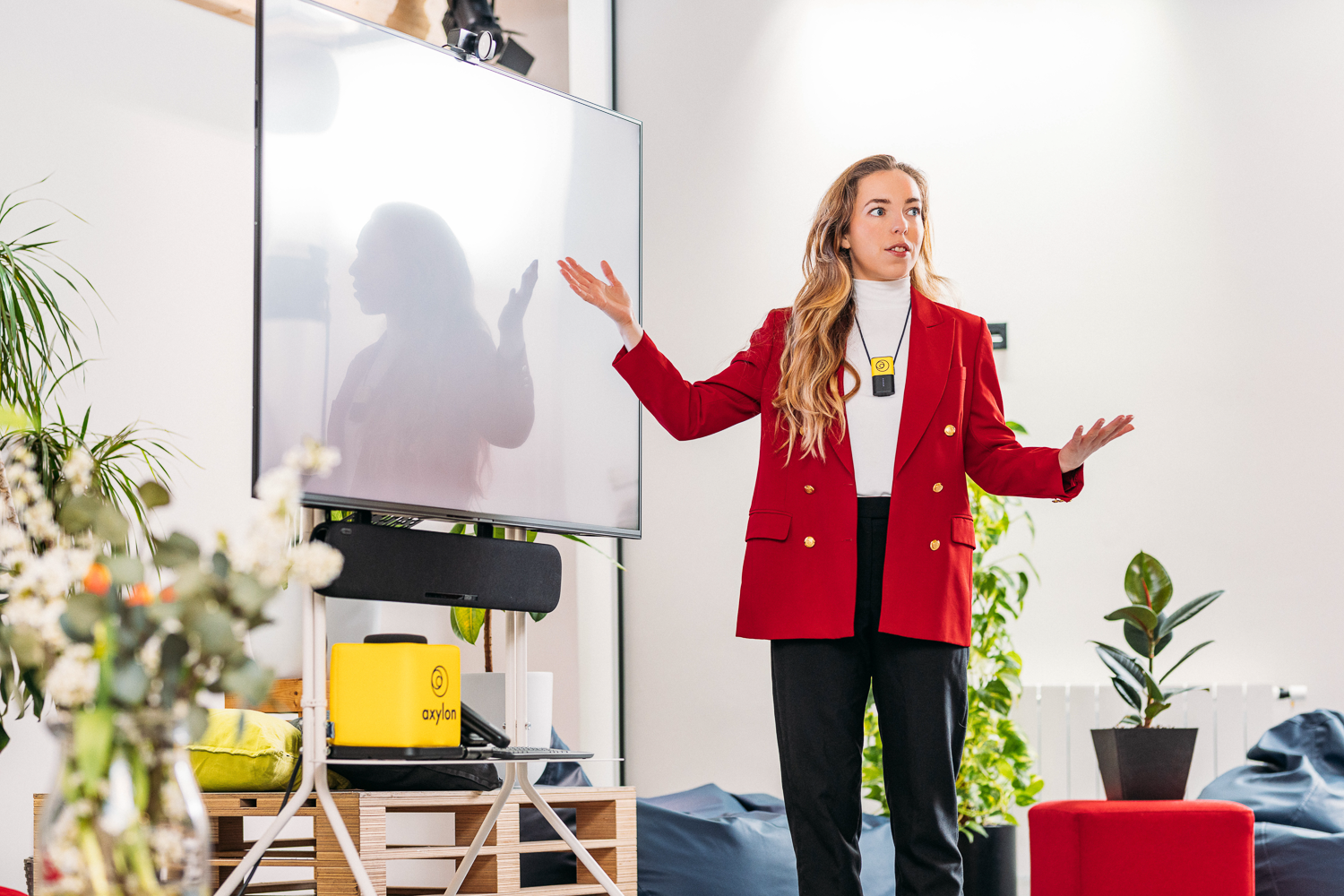
Catchbox Clip: a wearable microphone for hands-free teaching
Catchbox Clip is a compact wearable microphone for teachers, lecturers, and presenters who need freedom of movement. It can attach directly to clothing or be worn using the included magnetic lanyard. Because the microphone and transmitter are combined in one unit, there is no separate beltpack or lavalier cable to attach. It provides a simpler alternative for universities searching for a lapel microphone for university lectures.
What are the advantages of Catchbox Clip in higher education?
1. Lecturers can move and teach naturally
Clip leaves both hands free for writing on a board, demonstrating equipment, using classroom controls, or moving between students. Unlike a lectern or gooseneck microphone, it does not require the lecturer to stay in one fixed position to be heard. Its focused pickup is designed to capture the lecturer consistently as they move, making it suitable for active learning classrooms, labs, seminar rooms, and lecture halls.
2. It is simple for faculty to use
The lecturer can take Clip from its Charging Dock, attach it to clothing or the lanyard, and begin teaching. When returned to the dock, it has a consistent home and begins charging for the next class.
3. It avoids fragile lavalier cables
Traditional lavalier systems often use a thin cable between the microphone capsule and bodypack. In a high-use teaching environment, that cable can become tangled, damaged, or incorrectly connected. Clip combines the microphone and wireless transmitter in a single wearable device, reducing the number of parts faculty and AV teams need to handle.
4. It supports clearer hybrid lectures and recordings
Keeping the microphone close to the lecturer helps provide intelligible audio for remote students and lecture recordings. This makes Clip a practical instructor microphone for lecture capture as well as hybrid classes. A clean source signal also gives speech-to-text systems better input for live captions and transcripts.
5. It suits different clothing and presenter preferences
Faculty can clip the microphone to suitable clothing or use the included lanyard when an outfit does not provide a reliable attachment point. This makes it easier to offer one familiar microphone experience across a broad range of instructors.
Catchbox Stick: a handheld microphone for classrooms and lecture halls
Catchbox Stick is a handheld microphone for classroom teaching, guest speakers, student presentations, and discussions. It offers the familiar experience of a traditional handheld mic while connecting to the same Catchbox Plus Hub as Clip and Cube microphones. As a presenter microphone for lecture hall use, it is easy to share while keeping speech close to the audio source.

What are the advantages of Catchbox Stick in higher education?
1. It provides a familiar handheld format
Some presenters prefer holding a microphone because its position is visible and easy to control. Stick is a practical choice for guest lecturers, panel sessions, student presentations, or rooms where different people need to speak using the same microphone.
2. It can be passed between speakers
Unlike a wearable microphone, Stick can move from a lecturer to a student or guest without being attached to clothing. This makes it useful for seminar discussions, thesis defenses, presentations with several speakers, and moderated Q&A.
3. It is ready when picked up
Stick automatically unmutes when lifted from its magnetic Charging Dock, allowing a presenter to pick it up and speak. A Quick Mute button also lets the user mute and unmute the microphone when needed.
4. It is designed for clear handheld speech
Stick includes a built-in pop filter to reduce distracting plosive sounds, such as strong “p” and “b” sounds. Its audio processing is designed to accommodate differences in speaking style, voice, and microphone distance.

5. Its form is designed for everyday handling
Unlike typical cylindrical handheld microphones, Stick's stable shape helps prevent it from rolling off desks, lecterns, and other surfaces. Fewer accidental drops can reduce physical wear over time, supporting a longer service life and helping the microphone stay in better condition.
6. It helps AV teams keep track of the microphone
Stick includes an out-of-range alarm (as well as Clip). If it is carried beyond the Hub's wireless range and loses its radio link, the alarm alerts the user. This can reduce the chance of a microphone unintentionally leaving the room.
Book a quick online demo
Pick a time that works best for you, and we’ll walk you through the system in action. We’ll also discuss your specific setup, answer any questions, and show how Catchbox can fit into your space.
Can Catchbox Stick be converted into Clip?
Yes. Catchbox Stick can be converted from a handheld microphone into a wearable Clip microphone. The Clip unit sits inside the Stick body and can be released using the lever on the back. Once removed, it can be worn as a Clip microphone; when returned to the Stick body, it provides the handheld format again.

This modular design is particularly useful in higher education because room requirements can change throughout the day. The same microphone can be used as:
- ➔ hands-free wearable mic for a lecture
- ➔ handheld mic for a guest speaker
- ➔ shared mic for student presentations
- ➔ discussion mic in a seminar or panel
For campus AV teams, this reduces the need to predict one permanent microphone format for every room. The same unit can serve as a wireless teacher microphone in Clip mode or a handheld microphone in Stick mode. It also allows a standardized Catchbox Plus deployment to accommodate different teaching styles while preserving the same user experience.
Catchbox Clip vs. Stick: which should you choose?
Lecturer needs both hands free
- Better fit: Clip
- Wears on clothing or the included lanyard.
Lecturer moves around the room
- Better fit: Clip
- Keeps the microphone close without occupying a hand.
Several speakers share one microphone
- Better fit: Stick
- Easy to hand from one speaker to another.
Guest speakers expect a familiar microphone
- Better fit: Stick
- Uses a conventional handheld format.
The room hosts different teaching formats
- Better fit: Stick with removable Clip
- Changes between handheld and wearable use.
Faculty need minimal setup
- Better fit: Either
- Both are ready when removed from their Charging Docks.
Hybrid teaching or lecture capture
- Better fit: Either
- Both provide close-proximity presenter audio.
Live captions or assistive listening
- Better fit: Either
- Both supply a clear presenter audio that can be routed by the Hub.
In many classrooms, Clip is the natural everyday choice because it gives the lecturer complete freedom of movement. Stick adds value in flexible rooms, presentation spaces, and teaching formats involving multiple speakers. Together, they create a flexible lecturer microphone system that can adapt to individual presenter preferences.

Universities can also mix and match Clip, Stick, and Cube microphones on the same Plus system, with up to four microphones connected to one compatible Hub.
A flexible presenter microphone setup for higher education
Catchbox Clip offers a simple, hands-free experience for everyday teaching. Catchbox Stick provides a familiar handheld format for shared speaking, presentations, and guest lectures. Because Stick can release the Clip inside it, universities can move between both formats.
Together with the Catchbox Plus Hub and optional Cube audience microphone, Clip and Stick can form a complete classroom audio setup for voice lift, hybrid learning, lecture capture, live captioning, and assistive listening.
Related articles
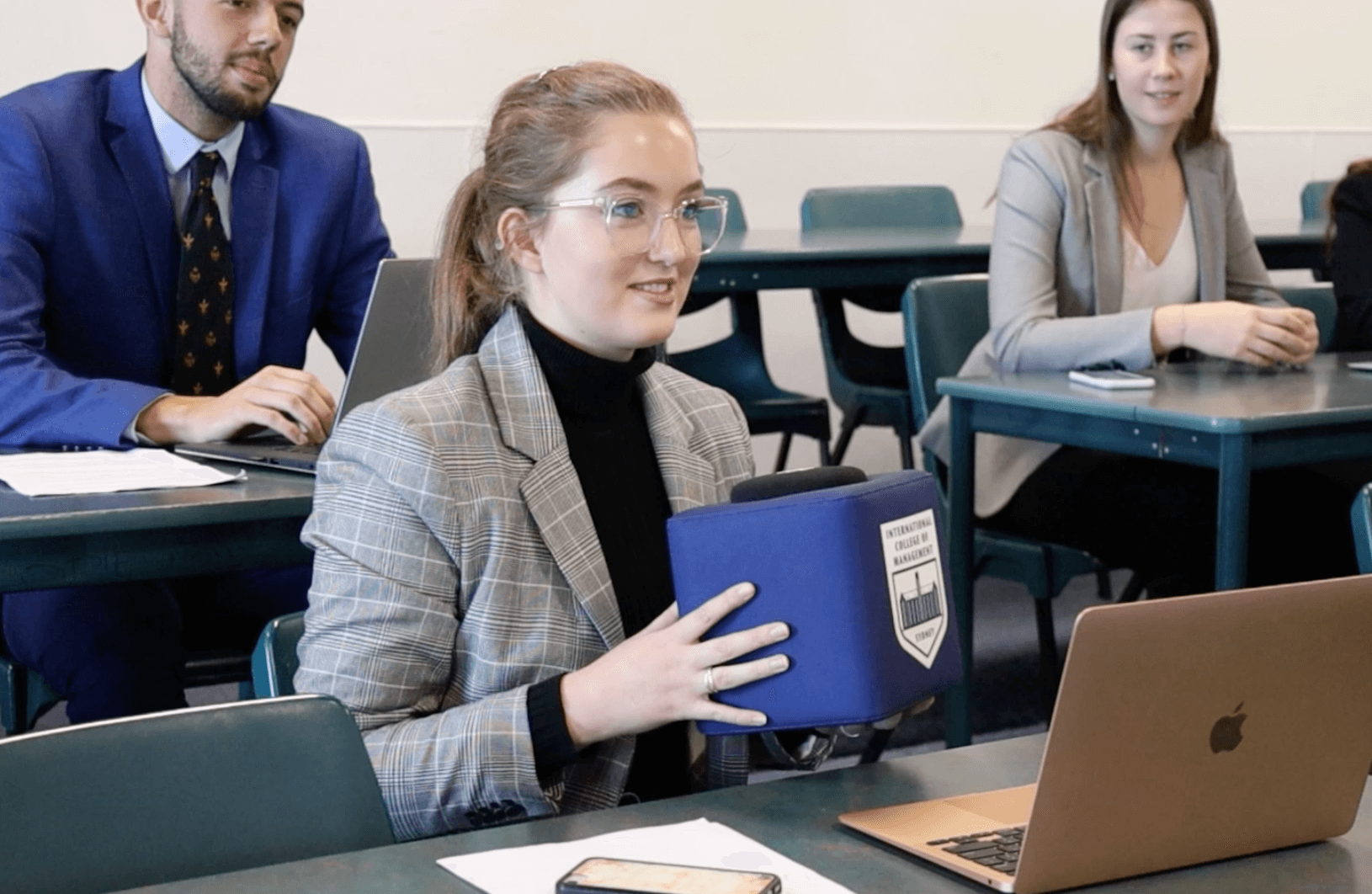
The missing classroom voice
A common classroom audio challenge is that lecturers are heard clearly while students are not, and solving it may require less than you think.
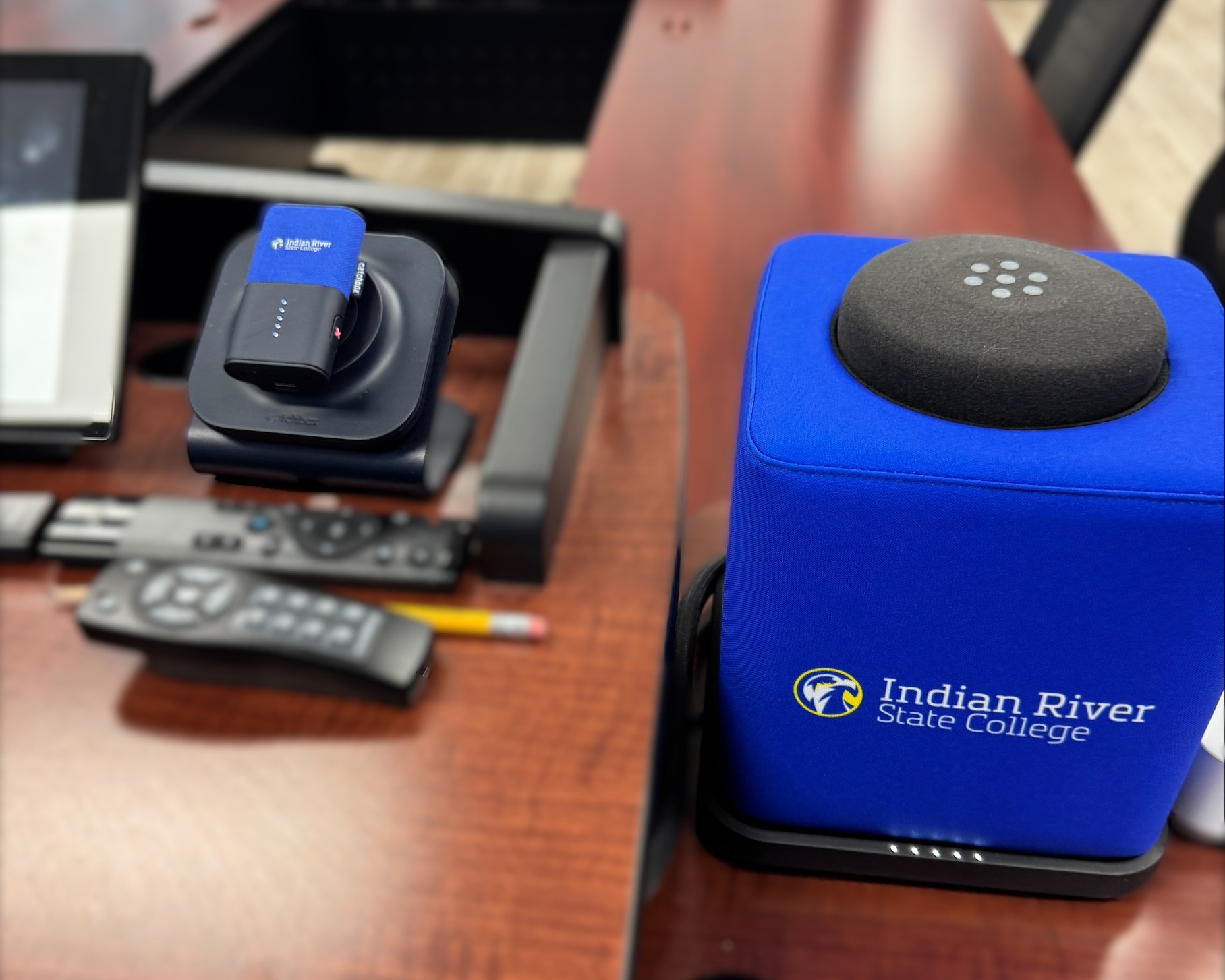
One AV team. 500+ rooms. A simpler mic setup
Learn how IRSC made classroom audio easier to manage across five campuses with Catchbox Plus.
FAQ: Catchbox Clip and Stick for lecture halls
- Is Catchbox Clip a lavalier microphone?
- Catchbox Clip is a wearable presenter microphone. It performs the role of a wireless lavalier mic but combines the microphone and transmitter in one compact device, so it does not require a separate bodypack or lavalier cable.
- Is Catchbox Clip a good professor microphone for classroom teaching?
- Yes. Clip works well as a professor microphone for classroom teaching because it keeps both hands free, stays close to the speaker, and can capture the professor while they move around the room. Its audio can be used for voice lift, hybrid learning, recordings, captions, and assistive listening.
- Can Catchbox Stick become a wearable microphone?
- Yes. The Clip microphone unit can be released from the Stick body and used as a wearable Clip. It can later be placed back into the Stick body for handheld use.
- Is Clip or Stick better for lecture halls?
- Clip is usually better when the lecturer needs hands-free movement. Stick is better when speakers prefer a handheld microphone or several people need to share it. Both can provide close-proximity audio for voice lift, recording, hybrid learning, and captions.
- Can Clip and Stick be used for lecture capture and hybrid learning?
- Yes. The Catchbox Plus Hub can send their audio to a computer or classroom AV system for hybrid lectures, lecture capture, live captions, voice lift, and assistive listening.