Why the Catchbox Cube is an essential audience microphone for university classrooms?
University classrooms are usually designed to make the lecturer easy to hear. Student voices are a different matter.
Published: September 3, 2026
When a question comes from the middle of a lecture hall, it may be clear to the lecturer but inaudible to everyone else. Remote students hear silence. The lecture recording captures only the lecturer's answer. Live captions miss the question. In-room students turn around and strain to hear.
The Catchbox Cube closes this audience-audio gap. It is a soft, throwable wireless microphone designed to move between students, capture speech close to the source, and bring student voices into the classroom audio system.
For universities that want lectures to work as conversations rather than one-way presentations, a reliable audience microphone is no longer a nice extra. It is an essential part of the room.
What is the Catchbox Cube?
Catchbox Cube is a throwable audience microphone for classrooms, lecture halls, and other group spaces. A lecturer or student can pass or gently throw it to the next speaker, allowing questions and comments to reach the room loudspeakers, remote participants, lecture recordings, captioning systems, and other connected audio destinations.
Unlike a fixed microphone that requires students to walk to a specific point in the room, Cube brings the microphone to the speaker. Its soft exterior makes it suitable for short, controlled throws, while Automute™ temporarily mutes the microphone when it detects motion. The Focused Omni™ pickup pattern is designed to capture clear speech even when different speakers hold the Cube differently.
Cube is part of the Catchbox Plus wireless microphone system and works with the Hub DSP receiver. It can be used alongside Catchbox Clip presenter microphones and Stick handheld microphones, giving universities one system for lecturer and audience audio.
The classroom problem: the lecturer is heard, but the students are not
A presenter microphone solves only one side of classroom communication. In a lecture, seminar, or hybrid class, students also need a clear way to contribute.
Without a dedicated microphone for student questions, universities commonly face the following problems:
- ➔ Questions disappear in large or acoustically difficult rooms.
- ➔ Lecturers have to repeat questions before answering them.
- ➔ Remote participants hear the answer without the context of the original question.
- ➔ Lecture recordings contain quiet, distant, or missing student speech.
- ➔ Live captions and transcripts have poor audio to work from.
- ➔ A single handheld microphone moves too slowly through fixed seating.
- ➔ Students must leave their seats and queue at a floor microphone.
- ➔ Open room microphones capture more ambient noise and reverberation than direct student speech.
- ➔ Discussions become lecturer-led because contributing takes too much effort.
- ➔ Students with hearing needs may struggle to follow comments from elsewhere in the room.
Benefits of using Catchbox Cube in university lectures
1. Student questions can be heard across the room
In a large classroom, speaking louder is not a dependable audio strategy. The people sitting nearby may hear a question, while students on the opposite side of the room do not.
Cube captures the student's voice close to the source and sends it through the room audio system. Used as an audience microphone for classrooms, it helps the whole room hear both sides of the exchange, not only the lecturer's response.
2. Q&A moves faster
A microphone is useful only if it can reach the next speaker without interrupting the class. A fixed aisle microphone asks students to leave their seats. A conventional handheld mic often needs a facilitator to carry it through the room.
Cube can be passed or gently thrown across short distances, so it reaches students quickly. As a student Q&A microphone, it keeps the discussion moving while letting the lecturer remain focused on the conversation.
3. Participation feels more natural
Students are more likely to contribute when the process is obvious and does not require them to walk to the front of the room. The Cube creates a visible cue: the person holding the microphone has the floor, and the next contribution can come from anywhere in the room.
That makes it an effective audience participation microphone for Q&A, peer feedback, debates, review sessions, and other activities where multiple students need to speak.
Cube can also lower the barrier for students who are hesitant or afraid to speak up. Raising a voice across a large lecture hall or walking to a microphone can feel intimidating. Bringing the microphone to the student's seat makes the process more approachable and gives them a clear moment to speak without having to compete with louder voices in the room. A microphone cannot remove speaking anxiety, but it can remove some of the practical and social friction around joining the conversation.

4. Active learning has usable audio
Active learning depends on students explaining, questioning, debating, and solving problems together. Yet the AV setup in many rooms is optimized primarily for a lecturer at the front.
An active learning classroom microphone extends the audio system to the audience. Cube can support whole-class debriefs, think-pair-share reporting, case discussions, student presentations, and rapid knowledge checks without bringing each participant to the lectern.
5. Seminar discussions are easier to follow
In a seminar, the conversation may move between several people in quick succession. A microphone for seminar discussion needs to travel with that conversation without becoming the center of attention.
Cube makes the current speaker easier to identify and hear. It can also encourage more orderly turn-taking, which is valuable when students are joining remotely or when a session is being recorded.
6. Remote students hear the question, not only the answer
Hybrid teaching often fails at the point where someone in the room begins to speak without a microphone. Remote students may see the lecturer react but hear little or none of the original comment.
Capturing hybrid classroom student audio at the source gives the conferencing platform a clearer signal. Remote participants can follow the full exchange and respond with the same context as students in the room.
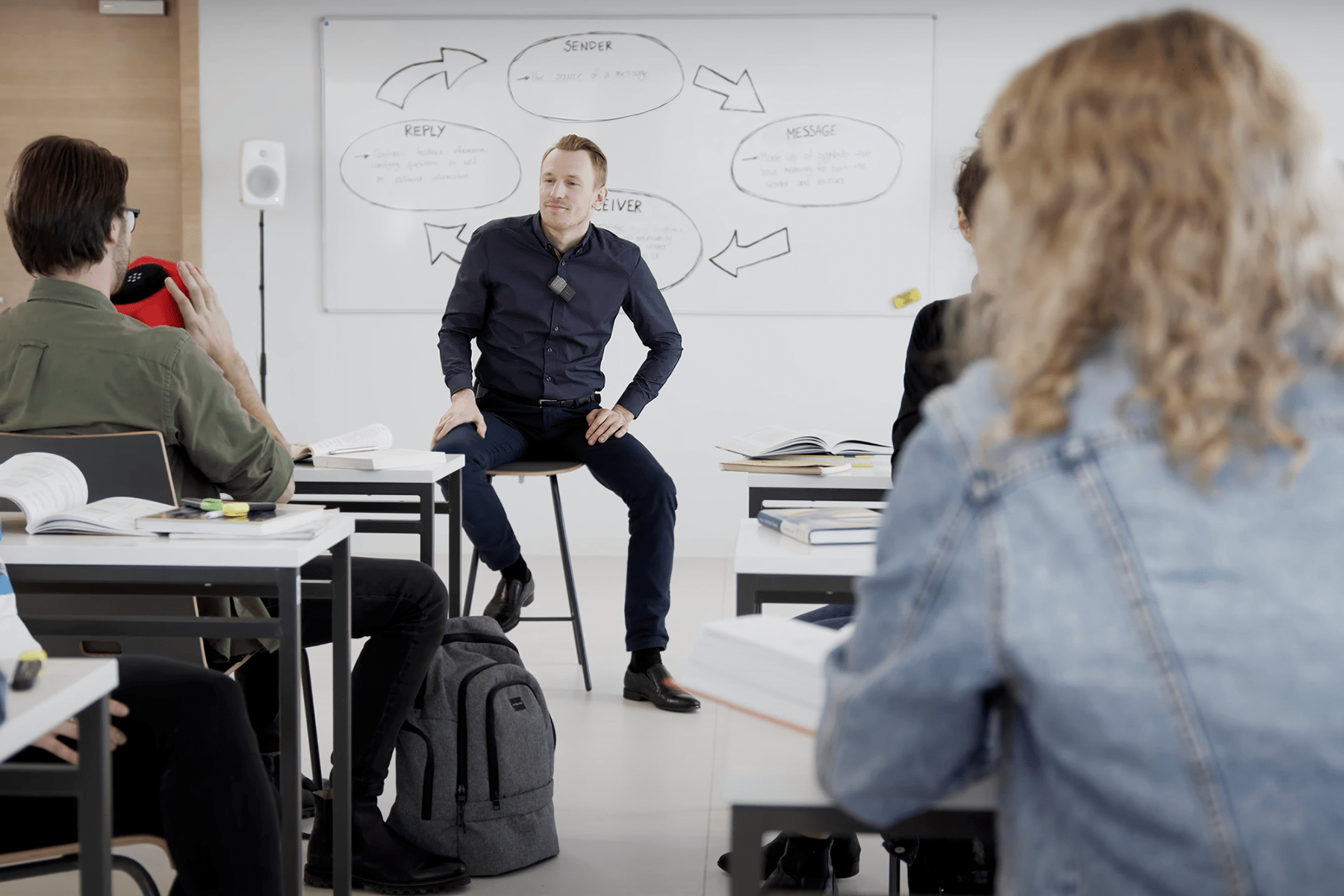
7. Lecture recordings become more complete
A recording that captures the lecturer but omits the students is only a partial record of the session. Important clarification, discussion, and peer insight may be lost.
Using Cube as a classroom discussion microphone helps include student contributions in lecture capture. Students reviewing the class later can hear the question and the answer as one connected exchange.
8. Captions and transcripts receive clearer source audio
Captioning and transcription systems can only process the audio they receive. A distant student voice mixed with room noise and reverberation is harder to recognize accurately.
By placing the microphone near the speaker, Cube provides a stronger source for live captions and post-class transcripts. Results will still depend on the complete system and captioning service, but better input audio gives those tools a better starting point.
9. The microphone is easier to use across different speakers
Students do not all hold microphones the same way. Some speak directly into them; others hold them at an angle or farther away.
Cube's Focused Omni pickup pattern is designed for consistent speech capture across different holding positions. That helps a microphone for student questions work with less coaching as it moves between people.
10. Motion does not become part of the lecture audio
Passing or throwing a live microphone could otherwise add handling and movement noise to the sound system. Catchbox Automute senses motion and temporarily mutes the Cube while it is in the air, then restores the audio when it is ready for the next speaker.
11. One system can cover lecturer and audience audio
University rooms rarely need audience audio in isolation. They may also need a wearable microphone for the lecturer or a conventional handheld microphone for a guest speaker.
Within the Catchbox Plus system, universities can combine Cube with Clip and Stick microphones around the needs of the room. The Hub DSP receiver brings those microphones into one system for processing and routing.
12. It can support more accessible listening
Clear student audio benefits more than the person asking the question. When Cube is integrated with the room system, student speech can be sent to loudspeakers and compatible assistive-listening workflows, depending on the installation.
This helps students who cannot easily hear an unamplified voice from elsewhere in the room and supports a more consistent listening experience for everyone.
13. It is visible, recognizable, and customizable
A small black microphone can disappear against seats, desks, and equipment. The Cube is intentionally visible, making it easier for students to see where the conversation is moving.
Its cover can also be customized with university colors, logos, or graphics. Branding helps identify the microphone as part of the classroom.
Where does a throwable microphone work best on campus?
A throwable microphone for lecture halls is especially useful where questions come from many locations and fixed seating makes conventional microphone distribution slow. It can also add value in:
- Tiered lecture theaters
- Medium and large classrooms
- Active learning spaces
- Hybrid and HyFlex rooms
- Seminars and workshops
- Student orientation sessions
- Faculty town halls
- Campus events and training sessions
The same Cube does not have to be thrown in every setting. It can be handed from person to person when the room layout, activity, or participants make passing more appropriate.
Book a quick online demo
Pick a time that works best for you, and we’ll walk you through the system in action. We’ll also discuss your specific setup, answer any questions, and show how Catchbox can fit into your space.
How to use Catchbox Cube effectively in a lecture
Good results depend on both the technology and a clear classroom routine.
- Introduce the Cube. At the start of the session, explain that it is the audience microphone and show students where to speak.
- Set expectations. Use short, gentle, underhand throws and make eye contact before sending it to someone. Passing is always an option.
- Keep the area clear. Avoid throwing near drinks, fragile equipment, or obstacles. In laboratories and computer rooms, passing may be the better choice.
- Use it for every contribution. Consistency matters. If some students speak without the mic, remote participants and recordings may still miss part of the conversation.
- Return it to its charging location. A clear storage and charging routine makes the microphone ready for the next class and easier for AV teams to support.
Give student voices a place in the classroom
Universities invest in classroom audio so teaching can be heard clearly in the room and beyond it. That goal should include the students.
Catchbox Cube turns audience participation into usable audio. Questions reach the entire class. Remote learners hear the full exchange. Recordings preserve more of the lesson. Captions receive a clearer source. Lecturers can invite discussion without sending students to a fixed microphone or waiting for a handheld mic to travel down the aisle.
For lecture halls, hybrid rooms, and active learning spaces, Cube is more than a memorable throwable microphone. It is the missing audience microphone that makes the classroom conversation complete.
Related articles
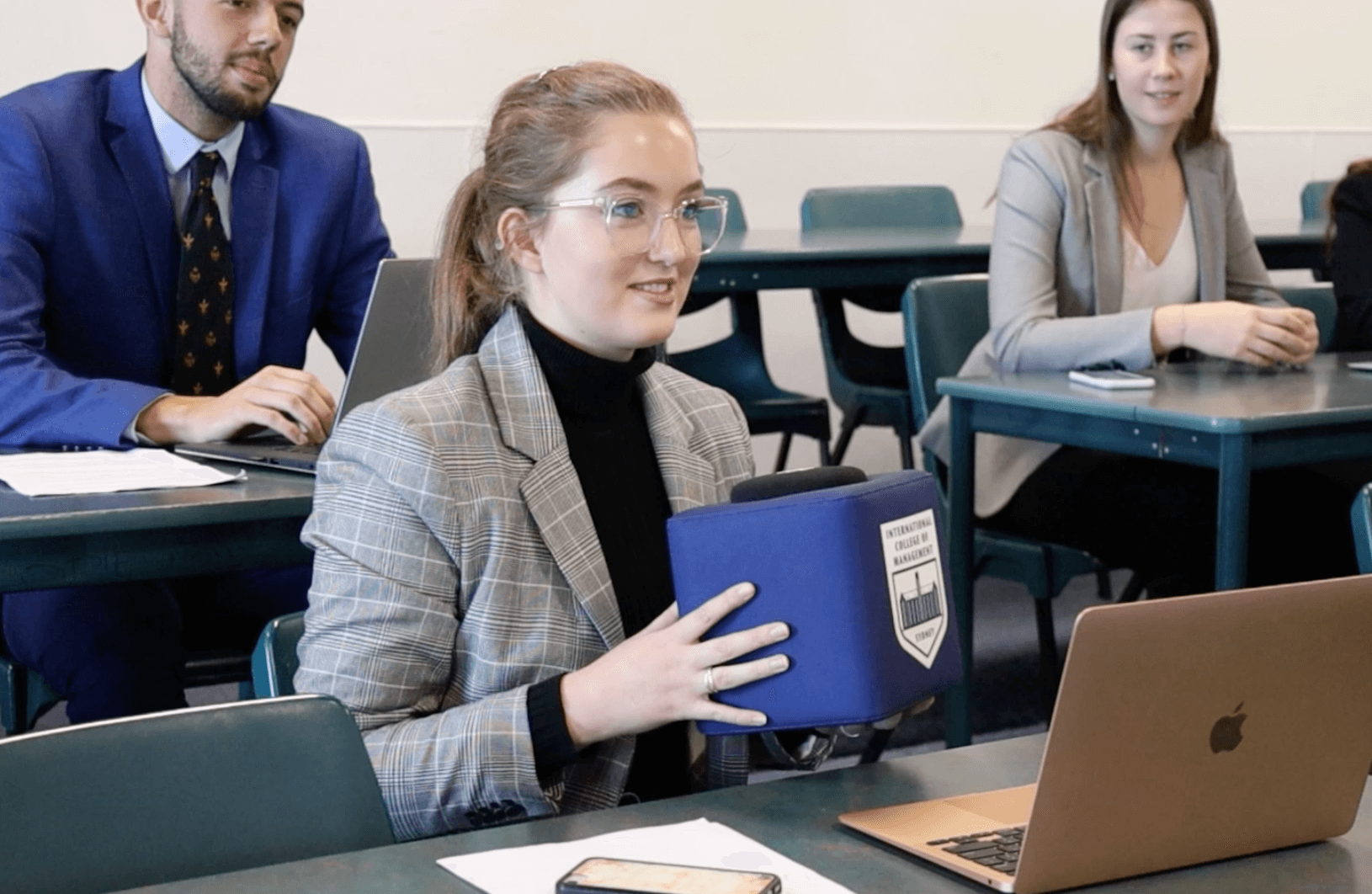
From seminar rooms to lecture halls. Built for university classroom
Learn how Catchbox Plus helps universities capture clearer lectures, discussions, and student questions than ceiling microphones alone.
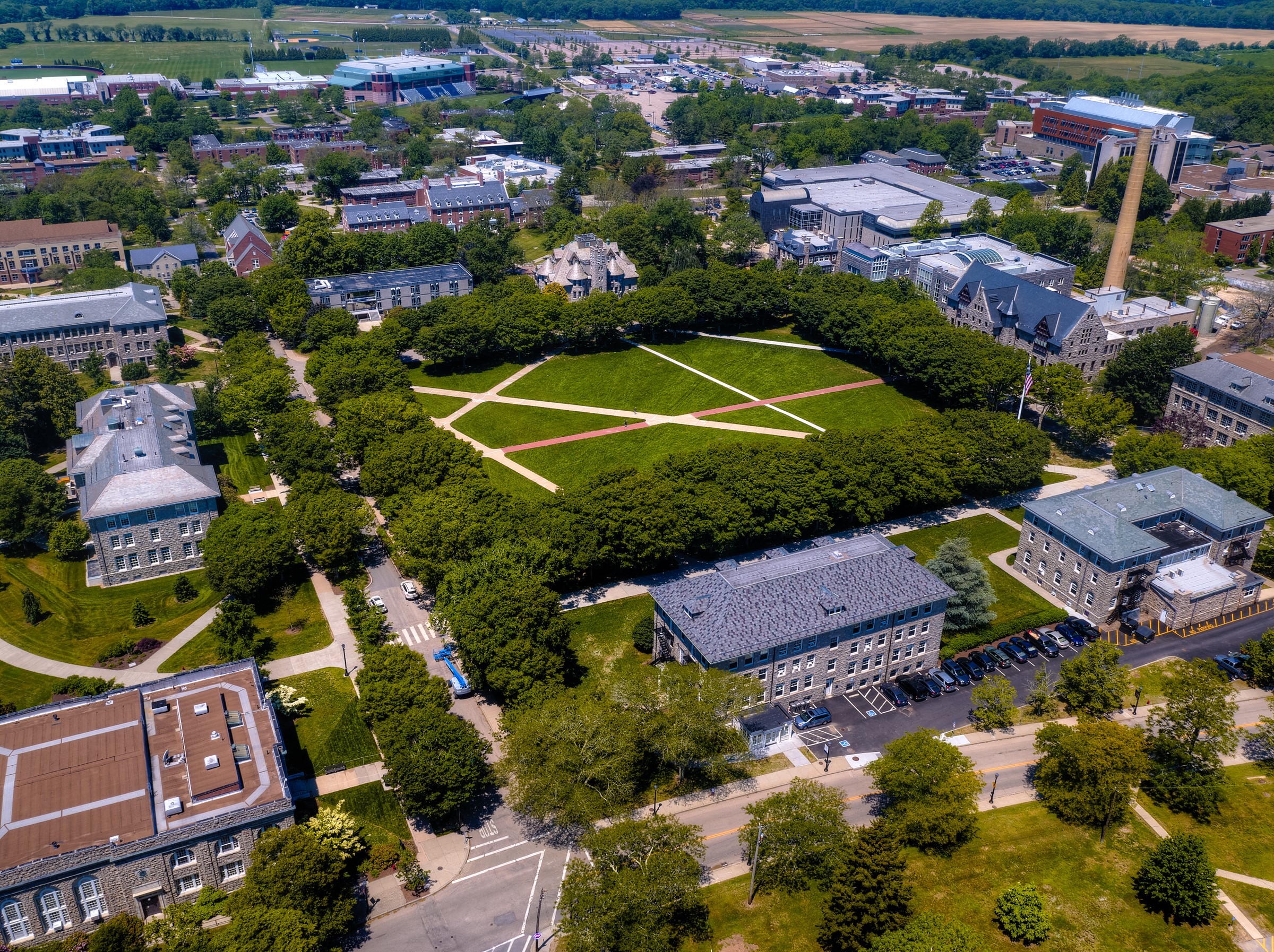
Measurable impact of using Plus at the University of Rhode island
URI significantly reduced AV support requests and maintenance issues, improving efficiency for the AV team.
FAQ: Catchbox Cube for University Classrooms
- What is the best microphone for student questions in a lecture hall?
- The best option depends on the room and teaching format. Catchbox Cube is a strong choice when a microphone needs to move between students and feed their speech into amplification, hybrid learning, recording, or captioning systems.
- Is Catchbox Cube safe to throw in a classroom?
- Cube has a light, soft exterior and is designed for short, controlled throws. Users should make eye contact, throw gently, keep the path clear, and pass the microphone whenever the space or situation makes throwing inappropriate.
- Does Catchbox Cube work for hybrid lectures?
- Yes. When correctly connected and routed through the room AV system, Cube can provide student audio to a video conferencing platform. This helps remote participants hear questions and discussion from inside the classroom.
- Can Catchbox Cube improve lecture recordings and captions?
- Cube captures speech close to the student, giving recording and captioning systems a clearer audio source than an unamplified voice at a distance. Final recording and caption quality also depends on room acoustics, system configuration, and the services used.
- Can Catchbox Cube be used without throwing it?
- Yes. Students can hand the Cube to one another. Passing is useful in compact rooms and in spaces with drinks, computers, laboratory equipment, or other obstacles.
- Can a university use Cube with a lecturer microphone?
- Yes. Catchbox Plus can combine Cube audience microphones with Catchbox Clip presenter microphones or Stick handheld microphones.