The Best wireless microphone system for universities: Why Higher Ed chooses Catchbox Plus
Did you know that a university is – fittingly – the biggest test any audio system can undergo?
Last reviewed: August 11, 2026
Impatient faculty, careless students, complex audio-visual ecosystems, hybrid demands, constant usage, assistive listening requirements, limiting architecture, and more – and that’s just one room.
Now scale this across hundreds of spaces spread between a variety of campuses all managed by a handful of AV specialists, and you’re starting to get the picture – universities don't have room for equipment that needs babysitting.
That’s why top universities from Florida to Perth are choosing Catchbox for their wireless microphone needs. And why we're back-to-back winners of Best Microphone at the Higher Ed AV Awards (2024, 2025) and iF Design Award recipients.
Let’s walk through what the Catchbox Plus system actually is, why universities keep choosing it over alternatives, and how to test it in your environment.
What is the Catchbox Plus wireless system?
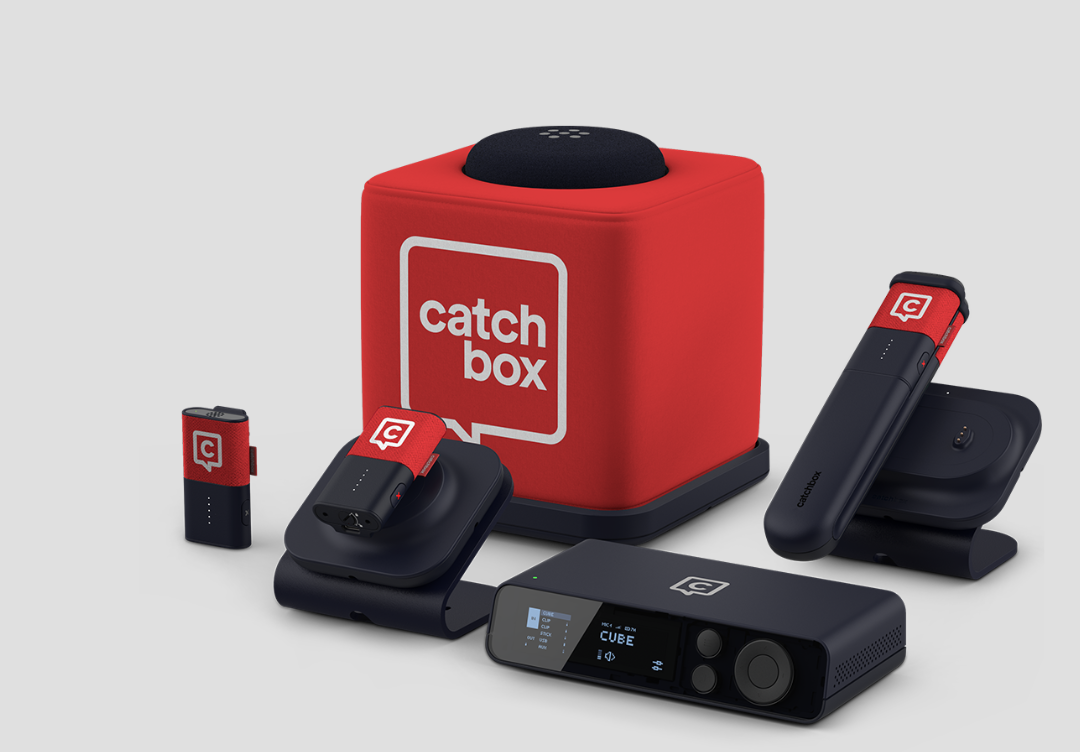
Catchbox Plus is a DECT-based wireless microphone system designed for centrally managed university AV ecosystems. The system features a 2-4 channel DSP Hub and three interchangeable microphone types—the wearable Clip, handheld Stick, and throwable Cube—to support lecture capture, hybrid audio, and assistive listening.
The system consists of a set of wireless microphones and a Hub for keeping everything connected. You can mix and match three different Catchbox mics to meet your specific faculty and classroom needs:
➔The Clip (Wearable / Lanyard): Best for hands-free lecturing. It features an 8-hour battery life and mutes automatically the moment you place it on the charger.
➔ The Stick (Handheld): Best for traditional presentations. It features an 8-hour battery life and a Focused Omni™ mic pattern that captures clear audio regardless of how the presenter holds it.
➔The Cube (Throwable): Best for student engagement. It features a massive 22-hour battery life and a throwable, soft design that can be safely tossed around the lecture hall.

Here’s the short version of what gets universities hooked on Catchbox Plus:
➔Faculty love the Clip and Stick: Enter the class, put on the mic, teach, put it back on the charger, leave. No nonsense, no wires.
➔Students engage more with the Cube: It’s a throwable (and droppable) mic! It avoids all the demotivating shuffling about handhelds or the noise pollution typical of ceiling mics.
➔AV teams appreciate the tech: Reliable hardware means fewer support visits, and remote management means more time for value-added activities.
“At the start of this year, we were like – where are the calls? With Catchbox, support tickets and general maintenance have gone way down,”
Jeffrey Levesque, Lead Information Technologist at University of Rhode Island
Why do universities choose Catchbox Plus?
Whether it starts as a niche solution for one room or a larger rollout, Catchbox Plus scales easily because it solves specific campus audio challenges.
Whole-room audio capture
Catchbox Plus microphones offer clear, crisp audio across the board, whether you need a voice-lift, lecture capture, hybrid audio, or assistive listening solution. Because the Hub handles up to 4 microphones, you can capture the presenter via the Clip or Stick, while simultaneously capturing audience questions via the Cube.

All-day battery life and magnetic charging
The Catchbox Plus wearable Clip and handheld Stick microphones offer 8 hours of battery life, while the throwable Cube microphone provides 22 hours on a single charge. All microphones use charging stations that can be daisy-chained to optimize power outlets in a crowded AV rack.

As Dean Rowland, AV Engineer at Aston University, puts it:
“You literally can almost throw the microphone at the base and it just goes on and starts charging.”
Pick-up-and-talk simplicity
Typically, when teachers get assigned their classrooms and lecture halls at the start of the year, they'll get a breakdown of what technologies are available in the room and how to use them. Also typically, what follows next is months of support tickets as they get used to tech by trial and error.
Not with Catchbox Plus.
Jeffrey Levesque at the University of Rhode Island sums it up perfectly:
“I don't just need crisp clear audio. I also need it to be simple for my instructors to use. The simpler I can make it for them, the better.”
With Catchbox Plus, the training is simply picking it up.
➔ Pick-up-and-talk: All microphones feature automatic functionality – they unmute the moment they are removed from the charger and mute the second they go back.
➔ The Mute button: The Clip and Stick have easy-access side mute buttons.
➔ The Range Alarm: We’ve all had a professor accidentally walk out of the building still wearing a lavalier mic. Catchbox mics feature a built-in range alarm that alerts the user once they get out of the Hub’s range of 100m/330ft.
Plus, the range alarm saves more than just nerves – it saves the hardware itself.
“Great job on the loud proximity alarm. Our previous mics had a nearly silent one and so one of the devices somehow ended up in Germany. Thankfully, we've had no such problems with Catchbox and I don't think we will,”
– Scott Pritchett, Manager of multimedia services at the University of Central Florida
Book a quick online demo
Pick a time that works best for you, and we’ll walk you through the system in action. We’ll also discuss your specific setup, answer any questions, and show how Catchbox can fit into your space.
Interference-free DECT frequency
Rather than competing for spectrum with every other wireless device on campus, Catchbox Plus runs on DECT – a protocol built from the ground up for reliable, interference-resistant communication.
Here's why that matters in practice:
➔ License-free operation: No frequency coordination fees. DECT is accessible, cost-effective, and ready to deploy out of the box.
➔ Secure, high-quality transmission: DECT was designed for voice. The result is clean, reliable audio that doesn't degrade in dense RF environments like lecture theatres, student unions, or multi-room conference centres.
➔ Automatic channel scanning: The Hub automatically identifies available radio spectrum and allocates transmission slots without manual intervention. In a campus environment where dozens of systems are competing for airspace, this is a genuine game-changer – and a significant reduction in ongoing maintenance effort.
One important note: DECT frequencies vary by region, and Catchbox devices are programmed separately to ensure full compliance with local standards.
Interested in what we're building? Sign up for our newsletter to stay informed about our latest product developments, insider updates, and upcoming events.
Built-in DSP audio management
How many boxes are currently sitting in your AV rack doing jobs the Hub can handle on its own?
The Catchbox Hub is more than just a wireless receiver – it features an integrated DSP with automixer and audio processing capabilities all rolled into one unit. For many universities, it replaces separate DSP hardware entirely, which means fewer failure points, simpler racks, and far less to go wrong at 8am on a Monday morning.

The Hub gives you precise control over what signal goes where. Whether you need to feed loudspeakers, an assistive listening loop, a video conferencing platform, or a full Dante network, there's a dedicated output path for it.
The Hub tracks all active microphones in real time, automatically prioritising the person speaking while pulling down the level of inactive mics. This eliminates the background noise and room echo that can make recordings and hybrid calls feel unprofessional. You set it up once, and it handles the rest – even when a professor forgets to mute themselves while a student is answering a question.
Seamless Dante and Q-SYS Integration
New AV equipment is only as good as its ability to fit into what you already have. Catchbox Plus was built with this in mind and offers easy integrations with the most popular systems, as well as an API for those in need of something custom.
For universities already running a networked audio infrastructure, the Hub DSP receiver with the optional Dante Networking module slots straight in. With 4×4 audio in and out over the Network/PoE port, you can route Catchbox microphones – and other non-Plus system mics) across your Dante network like any other source. Power over Ethernet support means one cable handles both data and power to the Hub, simplifying installation in rooms where conduit access is limited.
For campuses running Q-SYS, Catchbox Plus offers a certified out-of-the-box plugin available directly through the Q-SYS Asset Manager. Once installed, your AV team gets full visibility and control of every Catchbox system on the network from a single interface – from real-time battery levels to remote muting/unmuting, and more.
Not running Q-SYS? No problem. Catchbox Plus offers an open API so you can integrate Plus systems into whatever management infrastructure you're already using – Crestron, AMX, proprietary systems, or custom dashboards your own team has built.
Fully customizable campus branding
This one often comes as a surprise to AV teams evaluating Catchbox for the first time: every microphone in the Plus range is fully customisable.
You can print room numbers directly onto the Clip and Stick Jackets, as well as the Cube Covers – a simple but effective way to keep track of which unit belongs where and discourage the casual borrowing that sees microphones slowly migrate across departments. More visibly, you can apply university logos, colours, and branding, turning the microphones from generic AV equipment into something that actually represents the institution.

For universities that host high-profile events, this matters more than it might seem.
“At UCF, we host a lot of world-class guest speakers, companies, and lecturers. Seeing them on stage sporting uni-branded gear is immensely valuable and makes for unique photo ops. Plus, it works the other way around, too – our people can travel with a Catchbox kit and wear branded microphones at other events, ensuring audiences always know that this person represents UCF,” – Scott Pritchett, Manager of Multimedia Services at the University of Central Florida.
Customisation is handled directly through Catchbox, with no minimum order requirements. It's a small detail that consistently delights the marketing and events teams who didn't know they needed it – and gives AV managers one more reason to get buy-in from stakeholders across campus.
Your first Plus system
You probably already have a microphone solution, an AV ecosystem, and a favorite manufacturer – everyone does. We get it. So we recommend starting by reaching out to us with any questions you have. Does something seem too good to be true? Want to see the microphones in action? How would Catchbox Plus fit into your set-up? We’d love to answer, demonstrate, and share our experience with similar cases.
You can also meet us and our tech at various industry events all over the world. If the next event is too far away, and you want to get your hands on a system for a test run, we’re happy to organize a physical demo. Reach out to us to get a free trial unit for your university.
Related case studies
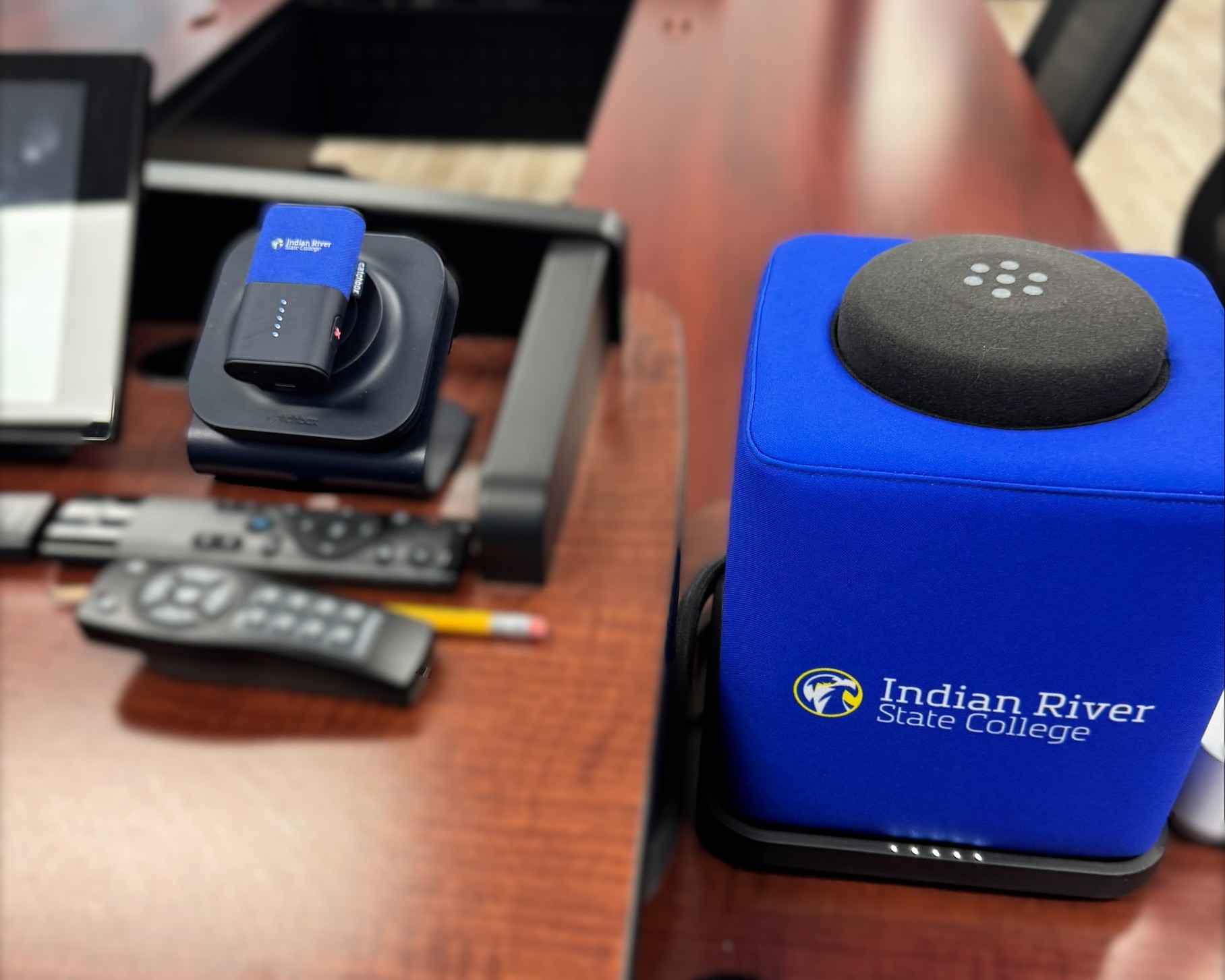
One AV team. 500+ rooms. A simpler mic setup
Learn how IRSC made classroom audio easier to manage across five campuses with Catchbox Plus.
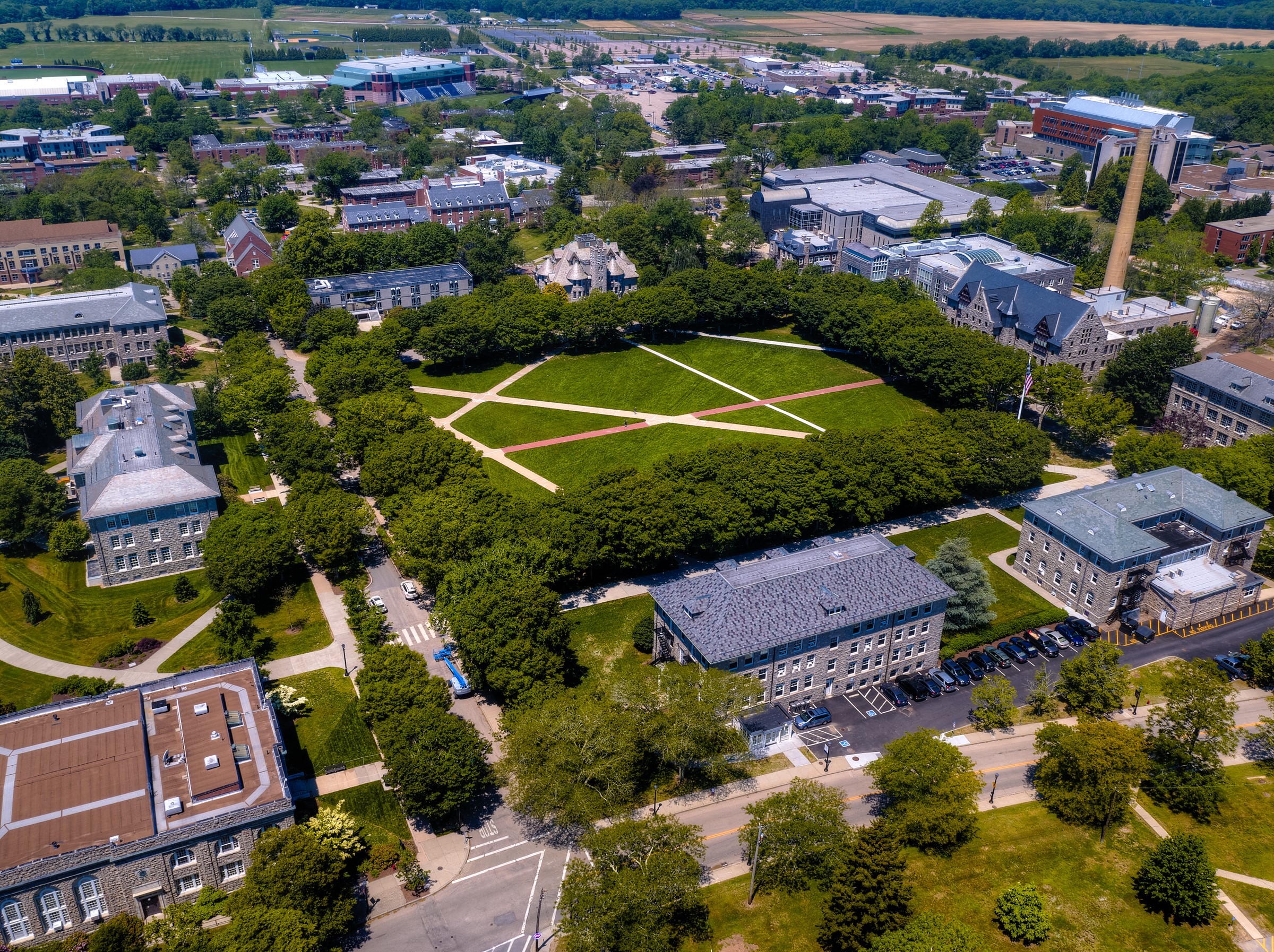
Measurable impact of using Plus at the University of Rhode island
URI significantly reduced AV support requests and maintenance issues, improving efficiency for the AV team.